Teaching & Learning advances the Libraries' role in Dartmouth’s educational mission through campus-wide partnerships that foster critical information literacy and lifelong learning. We sustain a culture of continuous learning and innovation within the Library through our comprehensive staff development programming.
Programs and Projects

Librarians Active Learning Institute
Librarians Active Learning Institute
Reinvigorate your teaching in a community of peers!
The Librarians Active Learning Institute (LALI) helps librarians and archivists develop and refine their skills as learner-centered teachers, instructional designers, and collaborators by introducing them to the practice of active learning pedagogy.
We embrace three simple principles of student-centered learning: MEET. ENGAGE. REFLECT.
Meet students where they are
Engage students actively in the process of teaching and learning
Encourage students to reflect upon and to articulate their learning process

Librarians Active Learning Institute
Reinvigorate your teaching in a community of peers!
The Librarians Active Learning Institute (LALI) helps librarians and archivists develop and refine their skills as learner-centered teachers, instructional designers, and collaborators by introducing them to the practice of active learning pedagogy.
We embrace three simple principles of student-centered learning: MEET. ENGAGE. REFLECT.
Meet students where they are
Engage students actively in the process of teaching and learning
Encourage students to reflect upon and to articulate their learning process

Exhibits
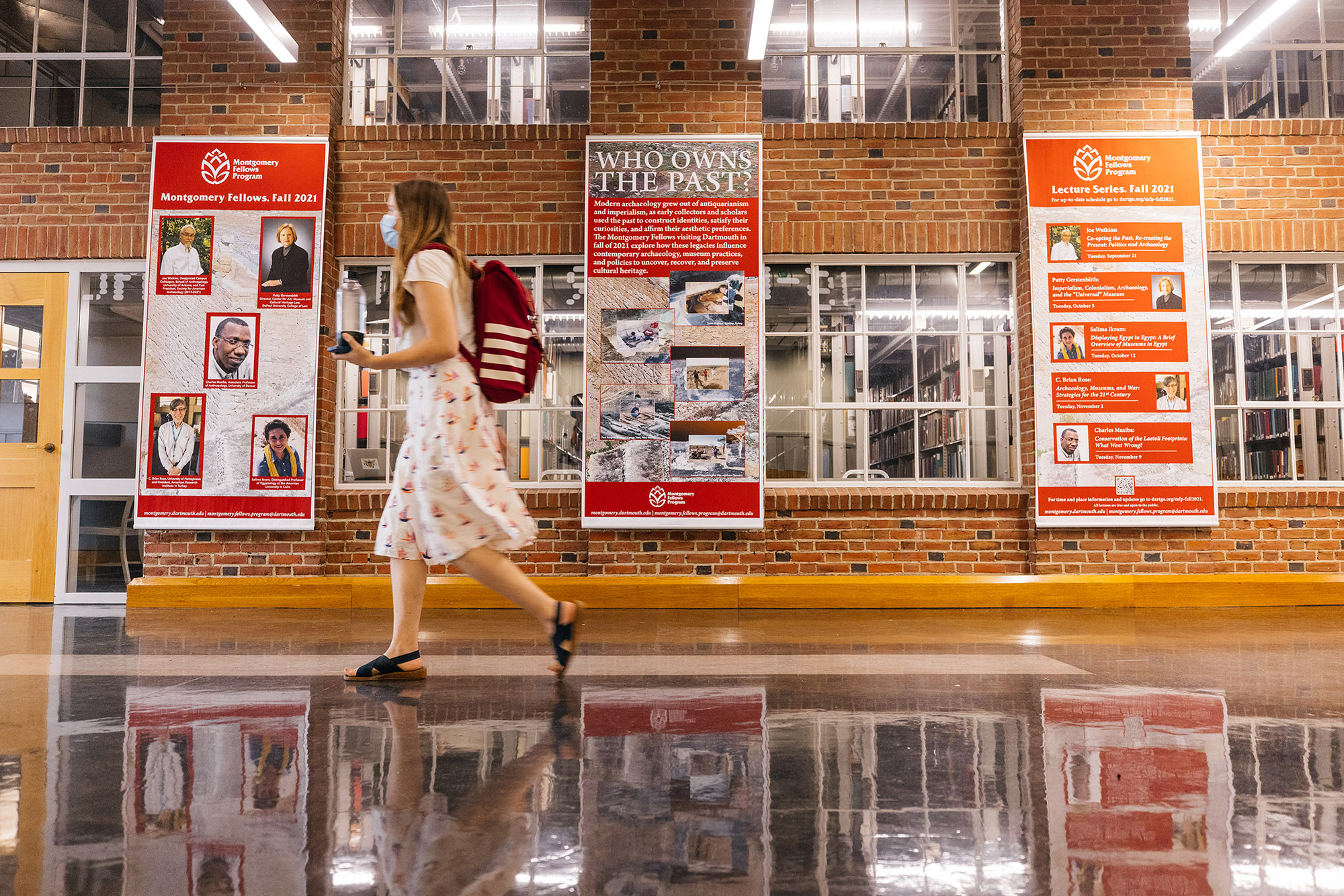
Throughout the year, we install new exhibits in Baker-Berry Library. While most exhibits are one-of-a-kind, we enjoy celebrating the Library's student employees with the annual Student Library Service Bookplate Program exhibit. We collaborate with students, faculty, staff, and community members on the exhibit curation process.
Our exhibits designer, Dennis Grady, creates a unique design for every exhibit that helps the curators best tell their stories. We often partner with our colleagues in Rauner Special Collections Library to feature special collections materials and artifacts from the College's history. We also partner with Digital by Dartmouth Library (DxDL) to showcase digital collections and to make our exhibits accessible to viewers far beyond Dartmouth's campus.

Exhibits
Throughout the year, we install new exhibits in Baker-Berry Library. While most exhibits are one-of-a-kind, we enjoy celebrating the Library's student employees with the annual Student Library Service Bookplate Program exhibit. We collaborate with students, faculty, staff, and community members on the exhibit curation process.
Our exhibits designer, Dennis Grady, creates a unique design for every exhibit that helps the curators best tell their stories. We often partner with our colleagues in Rauner Special Collections Library to feature special collections materials and artifacts from the College's history. We also partner with Digital by Dartmouth Library (DxDL) to showcase digital collections and to make our exhibits accessible to viewers far beyond Dartmouth's campus.

FYSEP Library Ambassadors
FYSEP Library Ambassadors
In partnership with FYSEP, we coordinate a program of Library Ambassadors who make personal and meaningful connections between the Library and Dartmouth’s first-generation students in order to help the students increase their sense of academic preparation, increase their knowledge of and likelihood to use resources, and build a strong sense of community and support.
The FYSEP Library Ambassadors for the current academic year are:
Daniel Abosso, Research & Learning Librarian for Humanities and Social Sciences
Wendel Cox, Research & Learning Librarian for Humanities and Social Sciences
Lilly Linden, Research & Learning Librarian -- STEM
Amelia Looby, Research & Learning Librarian for Business & Economics, Interim Head of Feldberg Library
Val Werner '21, Historical Accountability Student Research Program Coordinator

FYSEP Library Ambassadors
In partnership with FYSEP, we coordinate a program of Library Ambassadors who make personal and meaningful connections between the Library and Dartmouth’s first-generation students in order to help the students increase their sense of academic preparation, increase their knowledge of and likelihood to use resources, and build a strong sense of community and support.
The FYSEP Library Ambassadors for the current academic year are:
Daniel Abosso, Research & Learning Librarian for Humanities and Social Sciences
Wendel Cox, Research & Learning Librarian for Humanities and Social Sciences
Lilly Linden, Research & Learning Librarian -- STEM
Amelia Looby, Research & Learning Librarian for Business & Economics, Interim Head of Feldberg Library
Val Werner '21, Historical Accountability Student Research Program Coordinator


