Next application deadline: April 24, 2024 for full-time, summer term Leave Term Grant funding. Be sure to review the guidelines, restrictions, and eligibility requirements before applying.
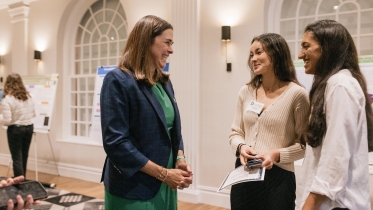
This year's Karen E. Wetterhahn Science Symposium will be held on May 22, 2024. Dean of Thayer School of Engineering Alexis Abramson will deliver the keynote address. Registration for the undergraduate student poster session is now open and will close on May 1.