1769 Society
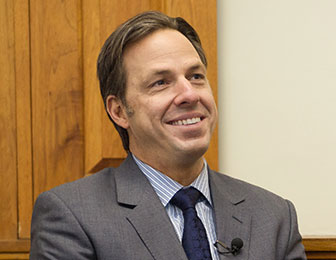
“Dartmouth continues to play an important role in my life—I want to make sure other deserving young people can have that experience regardless of their financial circumstances.”
- Jake Tapper ’91


More than half of our undergraduates rely on some amount of financial aid to come to Dartmouth. They would not be able to attend without your support through the Dartmouth College Fund.
Gifts to the Dartmouth College Fund go to work immediately to support the Dartmouth experience for all students.
Please make your gift today.




“Dartmouth continues to play an important role in my life—I want to make sure other deserving young people can have that experience regardless of their financial circumstances.”